2,398,171 hours transcribed

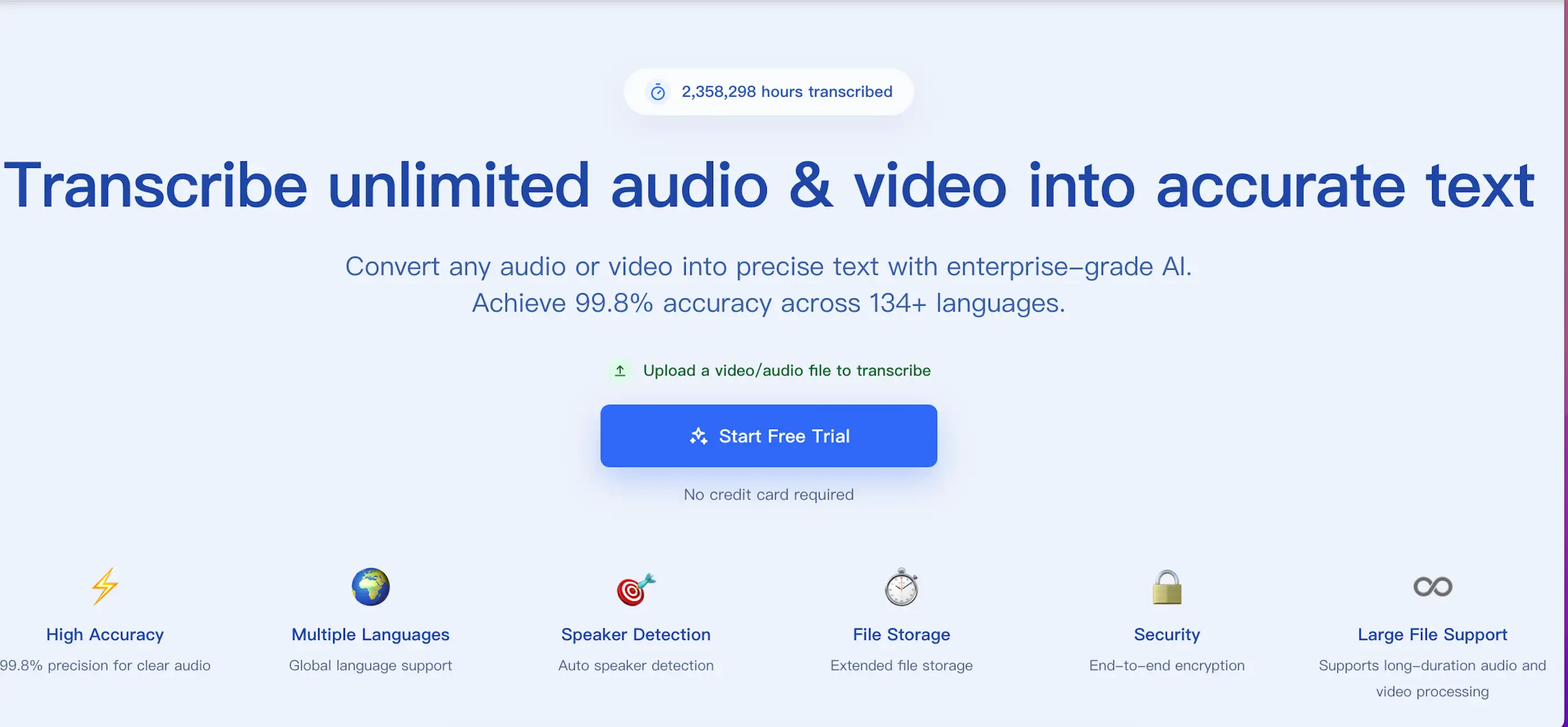
Turn audio and video intoclean transcripts, subtitles, and speaker-ready text

Upload audio or video files, or paste a public link, to generate editable transcripts, subtitles, and speaker-separated text in one focused workflow.

Upload files or paste a URLExport TXT, DOCX, PDF, SRT, or VTT
ScribeFlash transcription workspace preview
Input
Upload recordings or paste a share link

Start from meetings, podcasts, interviews, lectures, or hosted video and audio URLs.

Output
Review text, speakers, and subtitles

Clean up the transcript, check speaker turns, and export the final format your team needs.

⚑️
High Accuracy
99.8% precision for clear audio
🌍
Multiple Languages
Global language support
🎯
Speaker Detection
Auto speaker detection
⏱️
File Storage
Extended file storage
πŸ”’
Security
End-to-end encryption
♾️
Large File Support
Supports long-duration audio and video processing
Powered by Whisper Technology

Powered by Whisper technology, shaped for production transcription work

We bring back the technical trust layer here, but frame it around product value: accuracy, language coverage, speakers, and export reliability.

Industry-Leading Accuracy

Leveraging Whisper's advanced AI for unmatched transcription precision and quality.

134+ languages

Support for over 100 languages with native-level understanding and accuracy.

Smart Translation

Automatic translation to 134+ languages while preserving context and meaning.

Smart Parsing

Automatically identifies semantics and pauses, organizing raw speech into more readable text.

Speaker Recognition

Intelligent speaker identification for meetings and interviews.

Enterprise Security

End-to-end encryption with secure file handling and storage.

Simple transcription workflow

Strong transcription quality, clearer workflow decisions

This workflow is designed to help you move from raw media to usable text without extra steps or generic AI busywork.

Step 1

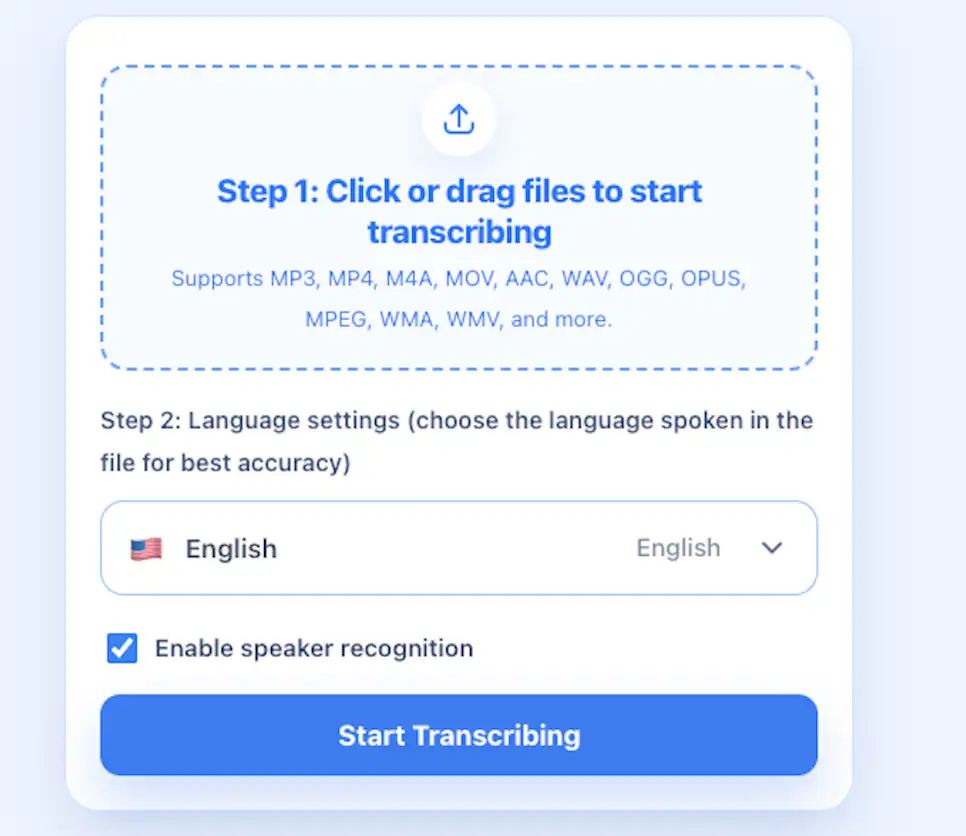
Upload or paste a URL

Start from local audio, video files, or a hosted link when the source media already lives online.

Step 2

Choose language and speaker detection

Pick the spoken language for better accuracy and enable speaker separation only when the recording needs it.

Step 3

Review the transcript

Scan the transcript, confirm speaker turns, and make small edits before sharing it with others.

Step 4

Export the format you need

Download TXT, DOCX, PDF, SRT, or VTT files depending on whether you need notes, docs, or subtitles.

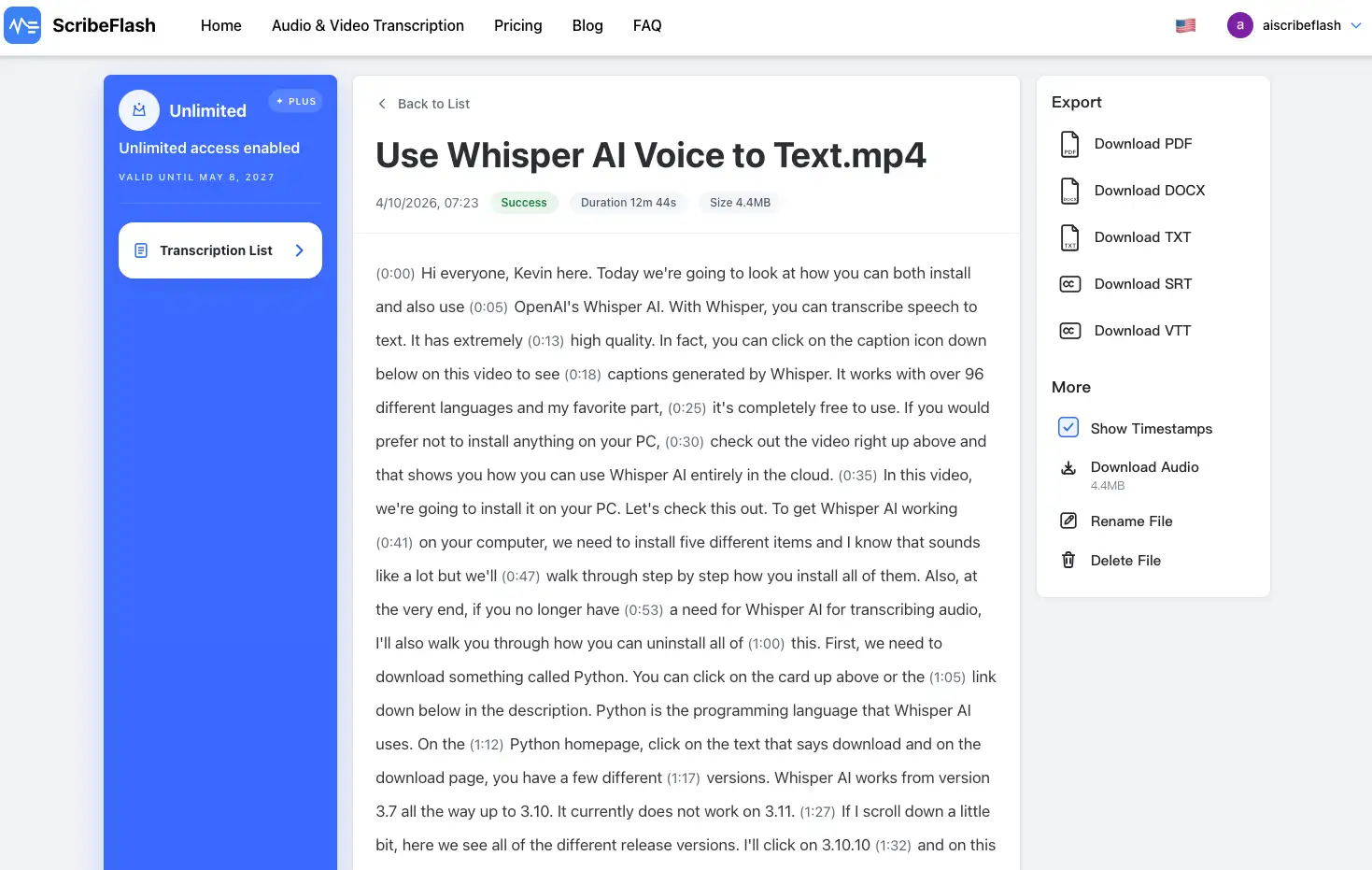
ScribeFlash transcription upload interface
ScribeFlash transcript review interface
Practical trust signals

See the product, understand the workflow, keep control of your files

Instead of inflated claims, we show the transcript workspace, privacy expectations, and the choices that matter during real transcription work.

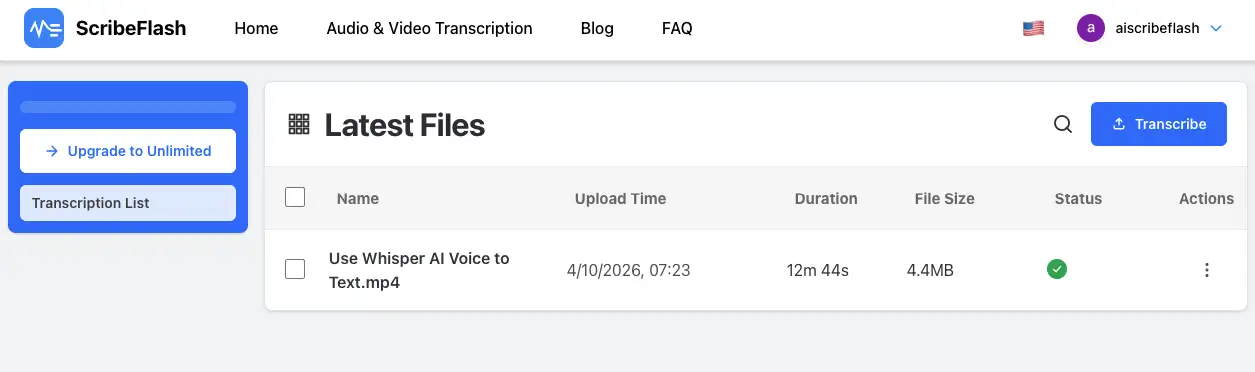
ScribeFlash files and exports interface
Product view

Real transcript workspace, not a marketing mockup

Preview the actual interface used to upload files, inspect transcripts, review speakers, and export deliverables.

Privacy

Clear handling for recordings and transcript output

Use ScribeFlash when you need a cleaner record of how files, transcripts, and exports move through one place.

Retention

Delete files when the work is done

Keep control over stored media and transcripts so completed work does not stay around longer than needed.

Trusted by Professionals Worldwide

Social proof from the kinds of teams that actually use transcription

Researchers, creators, journalists, educators, and operations teams use ScribeFlash when transcript quality matters more than AI hype.

5-star feedback
Research Director

Exceptional accuracy! Transcribed hours of research interviews with remarkable precision.

Gerardo Poli
5-star feedback
Content Creator

As a content creator, this tool has revolutionized my workflow. The quick turnaround is unmatched.

Alex Rossi
5-star feedback
Professor

The AI accuracy is impressive. Transcribed complex academic lectures perfectly.

Dr. James Chen
5-star feedback
Journalist

A must-have tool for journalists. The speaker identification feature is particularly useful.

Eric Robinson
5-star feedback
Business Analyst

Perfect for international business meetings. The multi-language support is outstanding.

Hana Weber
5-star feedback
Media Producer

The subtitle generation feature has streamlined our video production workflow.

Sophie Laurent
Frequently Asked Questions

Common questions before you start transcribing

What file formats are supported?

We support MP3, WAV, M4A, MP4, MOV, and most popular audio and video formats for seamless processing.

What export formats are available?

Export transcripts in TXT, DOCX, PDF, SRT, or VTT formats. Bulk export is also available for multiple files.

Does ScribeFlash support speaker recognition?

Yes, enable speaker recognition during upload to label speakers in the transcript for multi-speaker files.

Can I edit my transcripts?

Yes, use our interactive editor with time-stamps to review and make precise edits to your transcripts.

Empowering Over 50M+ Learners:

Boosting productivity with accurate transcription solutions

Emma avatar

Emma

Content Creator

Video Transcriber AI has completely transformed my workflow. I rely on fast, accurate transcriptions for videos and podcasts, and it cuts my transcription time from hours to minutes. The editing experience is smooth, and I truly do not want to work without it now.

Liam avatar

Liam

Journalist

For daily reporting, ScribeFlash has become an indispensable tool. It cleanly transcribes interviews, press conferences, and YouTube clips with precise timestamps, so I can pull quotes faster and spend more time shaping the story instead of fixing text.

Olivia avatar

Olivia

Student & Researcher

As a graduate student, I use ScribeFlash for lectures, research interviews, and educational videos. Pasting a YouTube link and getting a full transcript in minutes has been a lifesaver. The transcripts are clean, organized, and easy to export for notes and study prep.

Pricing

Choose a plan that fits your transcription volume

Compare plans, understand what is included, and pick the workflow that works for solo use or team-scale transcription.
Guides and resources

Explore transcription guides, workflow tips, and product updates

Read practical guides on transcript editing, subtitle delivery, meeting notes, and better audio-to-text workflows.