Introducing ScribeFlash: Fast AI Transcription for Audio and Video
May 9, 2026 · By ScribeFlash Team · 5 min read
Meet ScribeFlash, an AI transcription tool for audio and video with 134+ languages, speaker recognition, large-file support, and flexible transcript exports.
We built ScribeFlash for one simple reason: turning speech into usable text should feel fast, accurate, and effortless. Whether you are working with a meeting recording, a podcast episode, an interview, a lecture, or a video draft, the transcript should be ready to edit and share without forcing you through a complicated workflow.
ScribeFlash is an AI transcription platform for audio and video files. It helps creators, students, journalists, researchers, legal teams, educators, and businesses convert recordings into clean text in seconds, with support for 134+ languages and multiple export formats.
At the center of ScribeFlash is advanced Whisper-powered transcription. That means strong accuracy across common languages, accents, and everyday recording conditions. For clear audio, ScribeFlash is designed to deliver up to 99.8% precision, while still helping with more difficult files that include varied speakers or background noise.
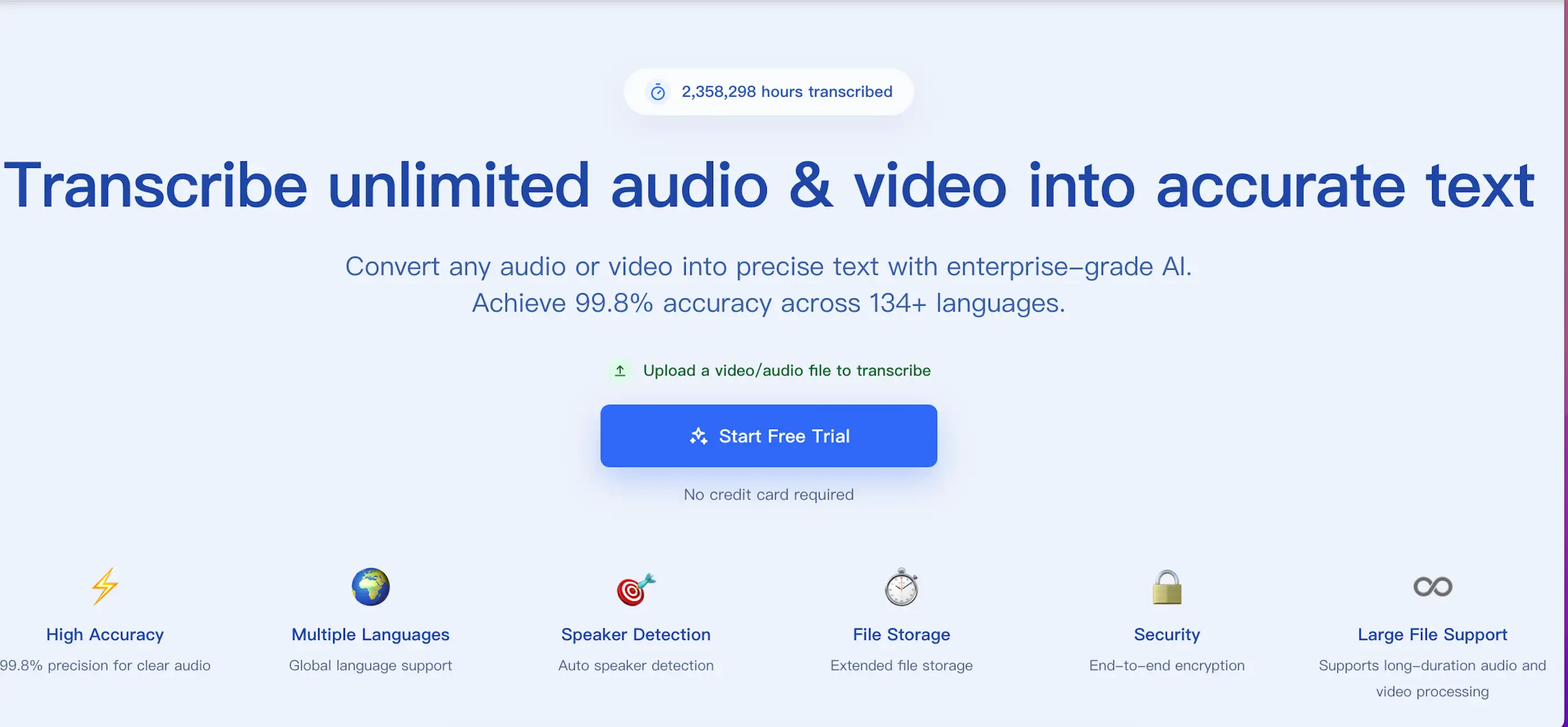
The ScribeFlash homepage highlights fast, multilingual AI transcription.
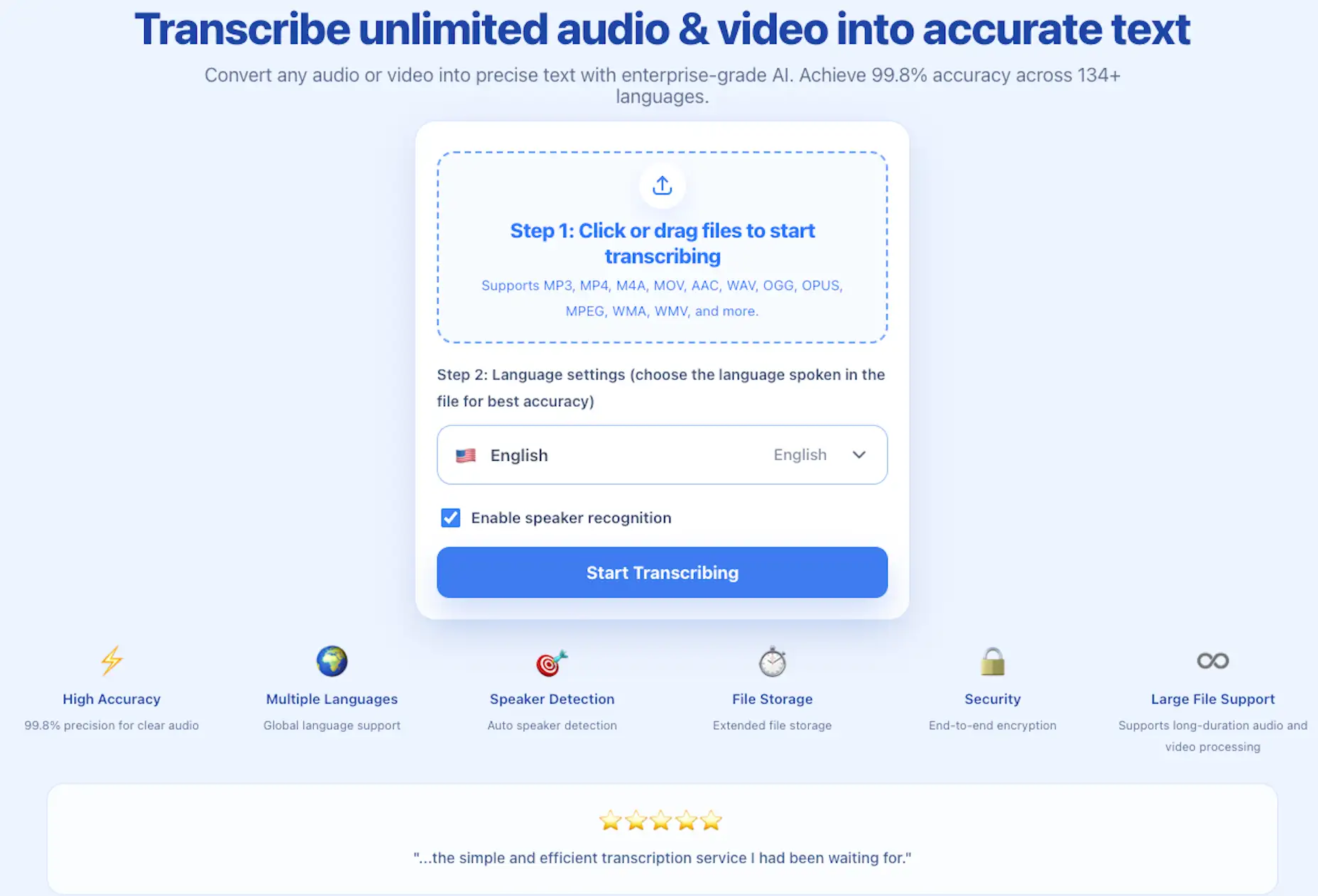
The workflow is intentionally simple. Open the audio and video transcription page, upload a file, choose the spoken language, enable speaker recognition when you need speaker labels, and start transcribing. From there, you can copy, edit, download, or reuse the result for subtitles, notes, articles, documentation, and search-friendly content.
ScribeFlash also supports the practical details that matter when transcription becomes part of real work. You can process long recordings, upload large files up to 5GB or 10 hours, batch process multiple files, and export transcripts as TXT, DOCX, PDF, SRT, VTT, JSON, and other useful formats.
The transcription page keeps upload, language selection, and speaker recognition in one focused flow.
For global teams and multilingual creators, language support is a core feature rather than an afterthought. ScribeFlash can transcribe audio and video in 134+ languages and help turn spoken content into text that is easier to review, translate, publish, and repurpose.
Speaker recognition makes multi-person recordings easier to use. Interviews, meetings, panels, classes, and calls become more readable when each voice is separated clearly. Instead of hunting through a wall of text, you can scan the conversation and find the moment you need.
Security and reliability matter too. ScribeFlash is designed with secure file handling, encrypted processing, and extended file storage options, so professionals can move quickly without treating privacy as an afterthought.
The best way to understand ScribeFlash is to try it with a real file. Visit the ScribeFlash homepage or start directly from the transcription tool, upload a short recording, and see how quickly speech becomes text you can actually use.
Welcome to Unlimited
High-quality AI transcription is usually sold like a scarce resource. Strong accuracy requires serious infrastructure, including expensive GPU capacity and optimized media pipelines, so many services meter usage aggressively, limit uploads, or push customers toward higher-priced plans the more they rely on the product.
ScribeFlash takes a different approach. Instead of treating heavy transcription usage as something to discourage, the goal is to make the entire pipeline more efficient without giving up the accuracy people actually care about. That is what makes an unlimited model possible.
Unlimited means you can actually use it like a daily tool
Your usage is not metered by the hour, and the experience is designed so you are not constantly thinking about whether one more recording will push you into another tier.
That matters if you want to transcribe class lectures, interview archives, voice memos, patient sessions, legal recordings, meetings, podcasts, or long-form educational content without budgeting every file.
It also matters for power users. The heaviest transcription users often process hundreds or even thousands of hours of audio and video over time. On usage-based services, that can become surprisingly expensive. ScribeFlash is built to feel predictable instead.
In practical terms, ScribeFlash already supports many of the capabilities people associate with serious production use: files up to 5GB, recordings up to 10 hours long, batch uploads up to 50 files at once, speaker identification, timestamps, and exports to widely used formats including PDF, DOCX, TXT, SRT, VTT, JSON, and CSV.
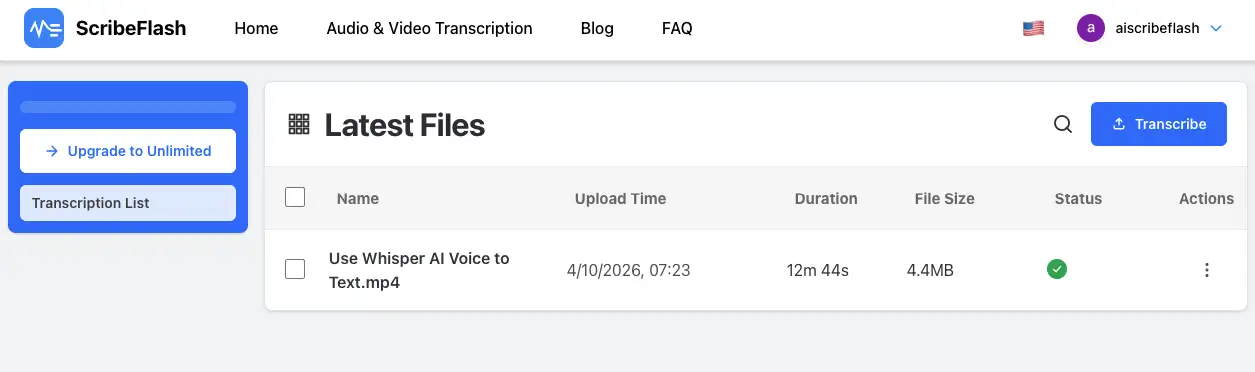
A dashboard view makes it easier to manage a growing library of transcription jobs.
Why Whisper matters
A big part of the ScribeFlash story is Whisper. Whisper is one of the best-known open transcription models in the world, created by OpenAI and trained on a massive multilingual audio dataset. In practice, it is widely trusted because it handles common languages, accents, background noise, and imperfect recordings far better than earlier generations of automated transcription systems.
That is why Whisper-powered transcription feels different from the brittle speech-to-text tools many people remember. For clear audio, the output can approach or exceed human-level accuracy. It also performs well enough on difficult material that it becomes genuinely useful for real-world production, not just demos.
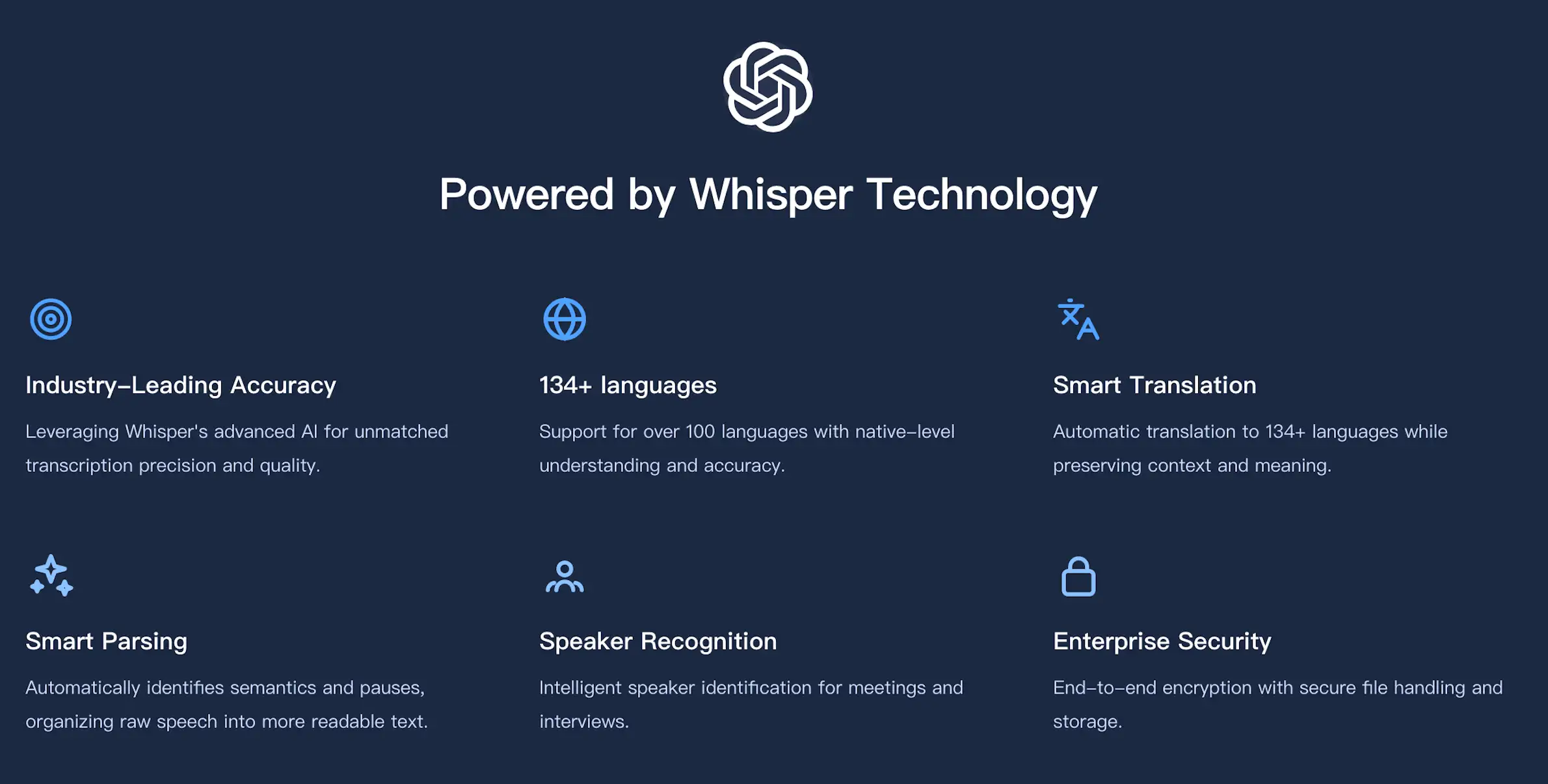
Whisper-powered transcription helps ScribeFlash stay strong across languages and recording conditions.
How can unlimited transcription work?
The natural question is whether there is a catch. The short answer is no hidden usage cap for normal individual use. The longer answer is that sustainable unlimited transcription depends on relentless optimization behind the scenes: uploads, preprocessing, storage, queueing, GPU execution, and output delivery all need to be designed for efficiency.
That operational efficiency is easy to miss from the outside, but it is the reason an unlimited plan can exist without turning the product into a low-quality compromise. The aim is straightforward: reduce waste in the system, keep pricing predictable, and let users focus on getting work done instead of watching a meter.
What you get with that model
134+ languages
Up to 99.8% accuracy for clear audio
Speaker identification and timestamps
Files up to 5GB and 10 hours long
Batch uploads up to 50 files
Exports for documents, subtitles, and structured data
If you want to see what that feels like in practice, start with the transcription workflow, upload a real recording, and move through the full path from raw media to finished text. That is the clearest way to understand what ScribeFlash is trying to make easier.
Related guides
Keep the workflow moving
These guides stay close to the same use case, so you can move from one question to the next without jumping across unrelated pages.