VTT vs. SRT: Which Subtitle Format Fits Your Needs?
May 14, 2026 · By ScribeFlash Team · 6 min read
A practical guide to understanding the difference between VTT and SRT, so you can choose the right subtitle format for transcription, captions, and video publishing.
Subtitle FormatsSRTVTTTranscriptionVideo Captions
If you export subtitles often, this question comes up quickly: should you choose VTT or SRT? Both are text files with timecodes. Both can carry spoken words from your video to the viewer. In real projects, though, they behave differently.
At ScribeFlash, we see this in everyday workflows: creators uploading YouTube interviews, teams transcribing product demos, students turning lecture videos into searchable notes. The subtitle format you choose affects editing speed, compatibility, and how much control you have over display.
Quick baseline: what each format is
SRT
SRT is the simple, familiar option. Each caption block has an index number, a start/end time, and the subtitle text. No advanced styling rules. That simplicity is exactly why it works almost everywhere.
VTT (WebVTT)
VTT was built for web video. It supports richer formatting and positioning, and it can carry extra track data in scenarios that need more than plain subtitles.
When reviewing captions, the file format matters as much as transcript accuracy.
Where VTT and SRT differ in practice
1) Compatibility
SRT is still the safest default if your file may travel across old media players, editing tools, and mixed delivery environments. If you send subtitles to clients and do not know their playback stack, SRT usually avoids follow-up issues.
VTT is strong in browser-based playback and modern web players. If your subtitles live mainly inside HTML5 video workflows, VTT is often a natural fit.
2) Styling and positioning
SRT keeps things plain. That is great for fast publishing, but limited if you need precise visual control.
VTT allows more layout control, such as position and cue behavior, which helps when subtitles overlap lower-thirds, product UI callouts, or speaker labels in crowded scenes.
3) Editing speed
For quick fixes in a text editor, SRT is hard to beat. Teams doing high-volume cleanup often choose it because the structure is minimal and predictable.
VTT takes a bit more care once you introduce styling rules. That overhead is worth it only when those extra controls solve a real publishing problem.
When to choose SRT
SRT is usually the better choice when your goal is broad playback reliability and fast turnaround.
Common SRT scenarios
Uploading subtitles to multiple platforms where format support is unclear.
Shipping captions for internal review across mixed devices and apps.
Turning meeting recordings into plain subtitles quickly, then moving on.
When to choose VTT
VTT makes more sense when captions are part of a web product experience and display behavior needs fine control.
Common VTT scenarios
Web players where subtitle position needs adjustment to avoid UI overlap.
Course videos that benefit from richer cue handling.
Sites that standardize around HTML5 text tracks and want one web-native format.
Start with a clean transcript, then export to the subtitle format your delivery channel expects.
A simple decision rule
If you are unsure, export SRT first. It is the least risky option across tools and platforms.
Pick VTT when you know your destination is web-first and you need the extra display control.
Many teams keep both files. They publish SRT for maximum compatibility and retain VTT for web-specific implementations.
Using ScribeFlash for both formats
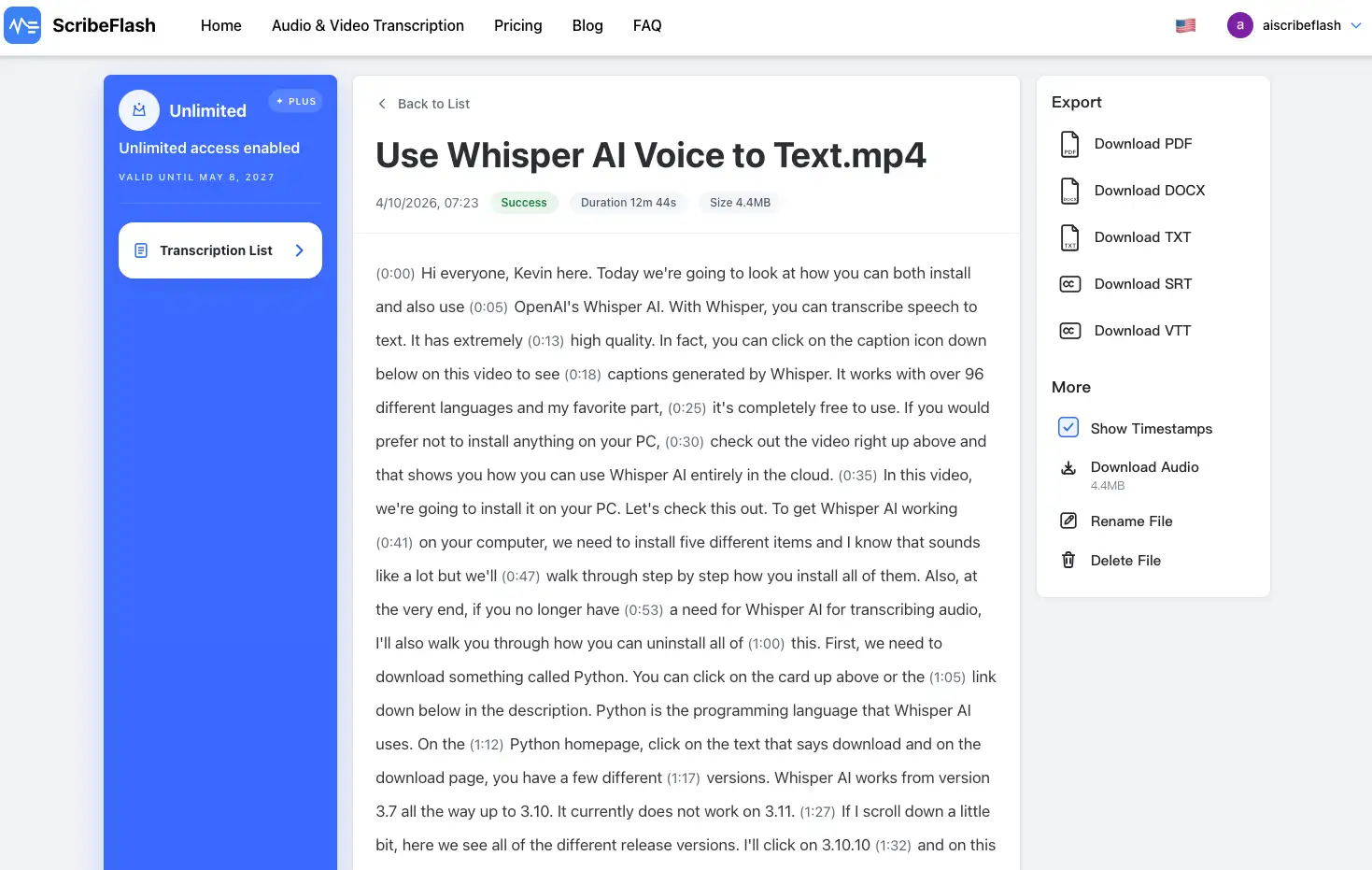
The practical part is straightforward: transcribe once, review once, then export in the format that fits the channel.
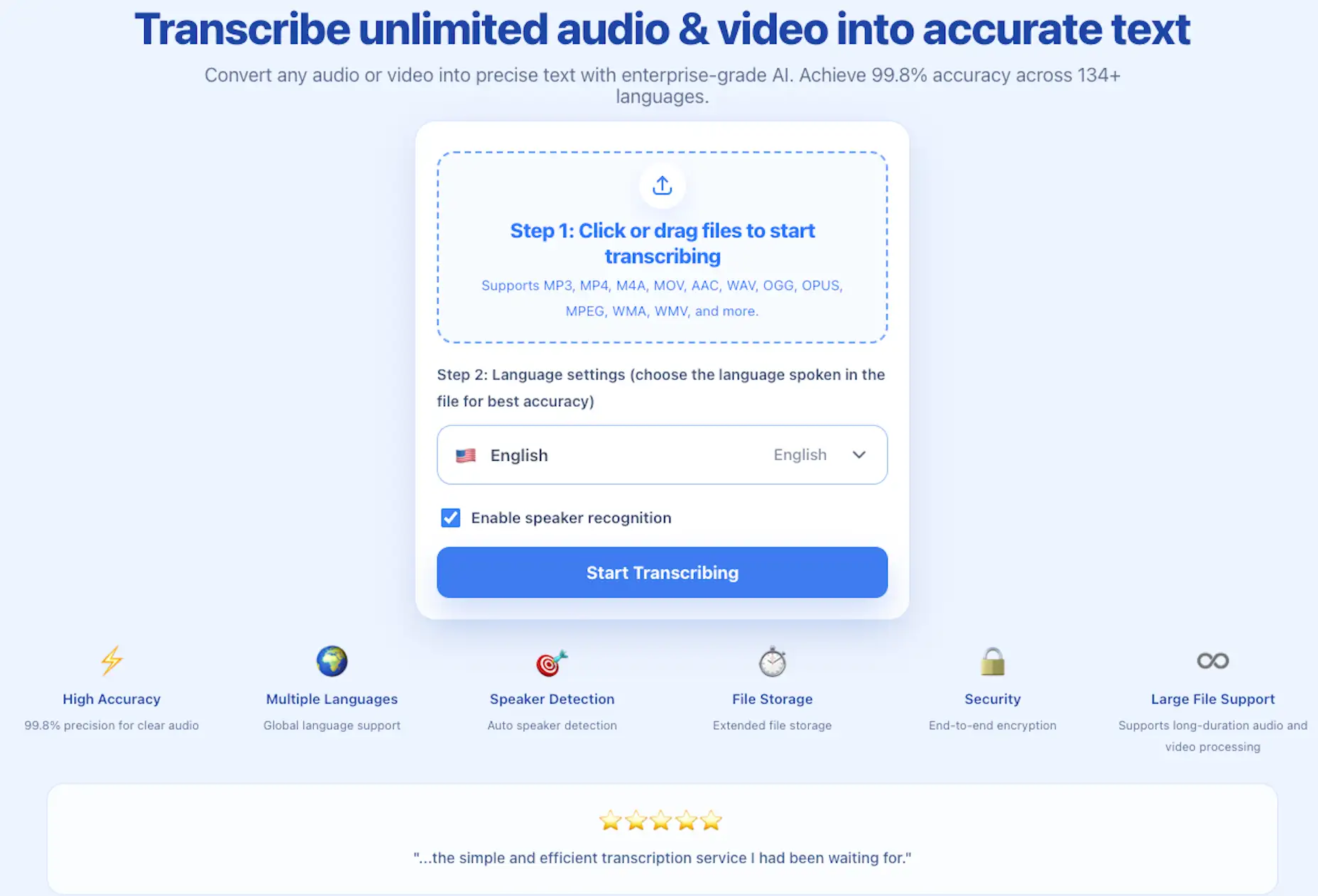
You can test this workflow directly on the audio and video transcription page. Upload a meeting recording, a lecture clip, or a YouTube draft, then compare VTT and SRT outputs side by side. The right choice usually becomes obvious after one real run.
If you need context on platform and workflow details, the ScribeFlash homepage is a good starting point before you lock your subtitle pipeline.
Related guides
Keep the workflow moving
These guides stay close to the same use case, so you can move from one question to the next without jumping across unrelated pages.