Last opp lyd- eller videofiler
Dra og slipp lyd- eller videofiler, eller klikk på «Bla gjennom» for å velge filer fra datamaskinen din.
Last opp MP4-, MOV-, WEBM-, AVI- eller MKV-filer og generer transkripsjoner, taleretiketter og undertekster i samme arbeidsflyt.
Last opp lyd- eller videofiler
Transkriber lyd og video til tekst på nett med AI. Raskt, presist og støtter 134+ språk. Gratis prøveperiode etter registrering. Ingen kredittkort kreves.
Støtter MP3, MP4, M4A, MOV, AAC, WAV, OGG, OPUS, MPEG, WMA, WMV og mer.
99%+
Accuracy
134+
Languages
Subtitle-ready
SRT & VTT
Whisper-
powered
Dra og slipp lyd- eller videofiler, eller klikk på «Bla gjennom» for å velge filer fra datamaskinen din.
Velg transkripsjonsspråk, talegjenkjenning og alternativer for lydforbedring.
Systemet starter behandlingen umiddelbart og genererer svært nøyaktige tekstresultater.
Last ned transkripsjonen i flere formater, eller kopier den umiddelbart. Rediger, del og gjenbruk teksten enkelt til undertekster, blogger, møter eller innholdsproduksjon.
AI-powered Whisper delivers industry-leading transcription accuracy.
Generate time-coded SRT & VTT subtitles ready for your videos.
Automatically identify and label speakers in multi-person videos.
Every line is timestamped for easy navigation and editing.
Optimized pipeline transcribes long videos quickly.
Export transcripts and subtitles in multiple formats with one click.
Create captions and subtitles to grow your audience.
Make your courses accessible with transcripts and subtitles.
Capture everything with speaker labels and accurate notes.
Extract insights with clear speaker separation and timestamps.
Boost engagement with subtitles that watch anywhere.
Improve learning with searchable transcripts and subtitles.
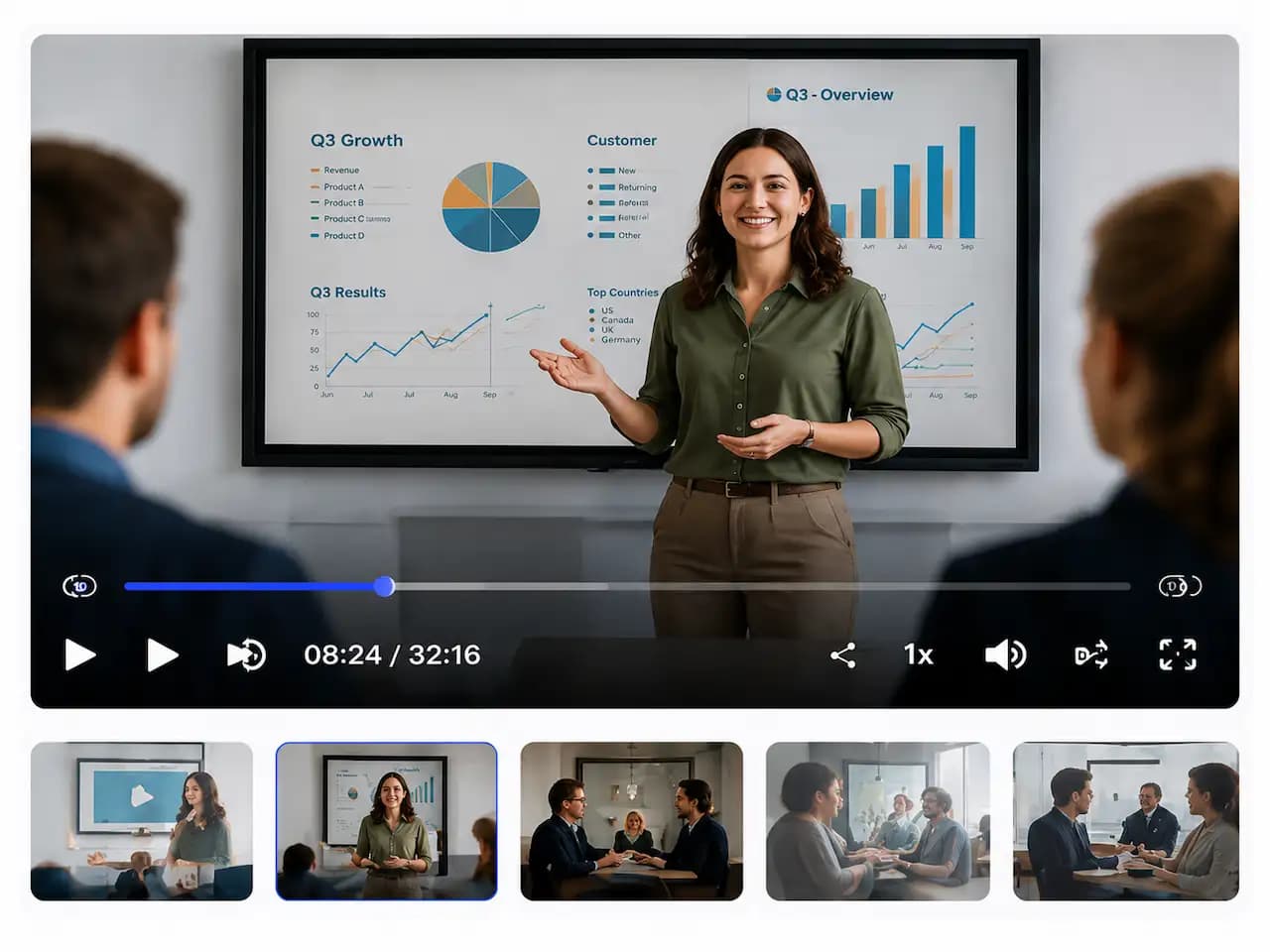
Welcome everyone! Today we'll be discussing our Q2 results and what's ahead for the next quarter.
Thanks! Let's start with an overview of Q2 performance.
As you can see on this slide, our revenue grew by 28% compared to last quarter.
That's a significant increase. Which regions contributed the most?
North America led the growth, followed by Europe. Asia also showed strong improvement.
Looking ahead to Q3, we're focusing on product innovation and customer success.
Great! Let's open it up for questions.

YouTube Creator
"ScribeFlash is a game-changer for my channel. Subtitles are spot-on and save me hours of manual work."

Educator
"I use it for all my lectures. Students love having accurate captions and transcripts for revision."

Marketing Manager
"We create a lot of videos - ScribeFlash helps us produce subtitles fast and boost engagement."
ScribeFlash supports MP4, MOV, WEBM, AVI, MKV, and other common video formats for video to text workflows.
Yes. You can export subtitle generator results as SRT subtitles and VTT subtitles, alongside transcript formats like TXT, DOCX, and PDF.
Our AI video transcription pipeline is optimized for clear speech, timestamps, and speaker recognition to deliver highly accurate video transcription results.
Yes. You can start with a free plan and try video to text transcription before upgrading.
Processing time depends on file length and quality, but ScribeFlash is designed to transcribe long videos quickly with subtitle-ready output.