Ladda upp video
Dra in videofilen eller klistra in en länk för att starta.
Ladda upp MP4-, MOV-, WEBM-, AVI- eller MKV-filer och skapa snabbt transkriptioner, talaretiketter och undertexter för kurser, intervjuer, webbinarier och sociala videor.
Ladda upp din video i arbetsytan till höger och börja direkt.
Skapa transkript och undertexter i samma arbetsflöde.
Stöder MP3, MP4, M4A, MOV, AAC, WAV, OGG, OPUS, MPEG, WMA, WMV med mera.
99%+
Noggrannhet
134+
Språk
Klar för undertexter
SRT och VTT
Whisper-
drivet av
Dra in videofilen eller klistra in en länk för att starta.
Välj det talade språket för stabilare resultat.
Systemet transkriberar, känner igen talare och synkar tidskoder automatiskt.
Ladda ner TXT, DOCX, PDF, SRT eller VTT med några få klick.
Whisper-baserad videotranskribering ger starka resultat när talet är tydligt.
Generera direkt tidskodade SRT- och VTT-filer som är redo att publiceras.
Även i videor med flera personer blir det lättare att följa vem som säger vad.
Varje rad har en tidskod som gör granskning och redigering snabbare.
Flödet är optimerat för längre videor och håller ett effektivt tempo.
Transkript och undertexter kan exporteras i flera format från samma arbetsflöde.
Skapa snabbt undertexter och transkript för bättre räckvidd och förståelse.
Gör innehållet mer tillgängligt med text och undertexter.
Spara allt som sades med tydligare struktur via talaretiketter.
Hitta insikter snabbare med talarseparering och tidsstämplar.
Öka engagemanget med undertexter för tittare som ser utan ljud.
Förbättra lärandet med sökbara transkript och undertexter.
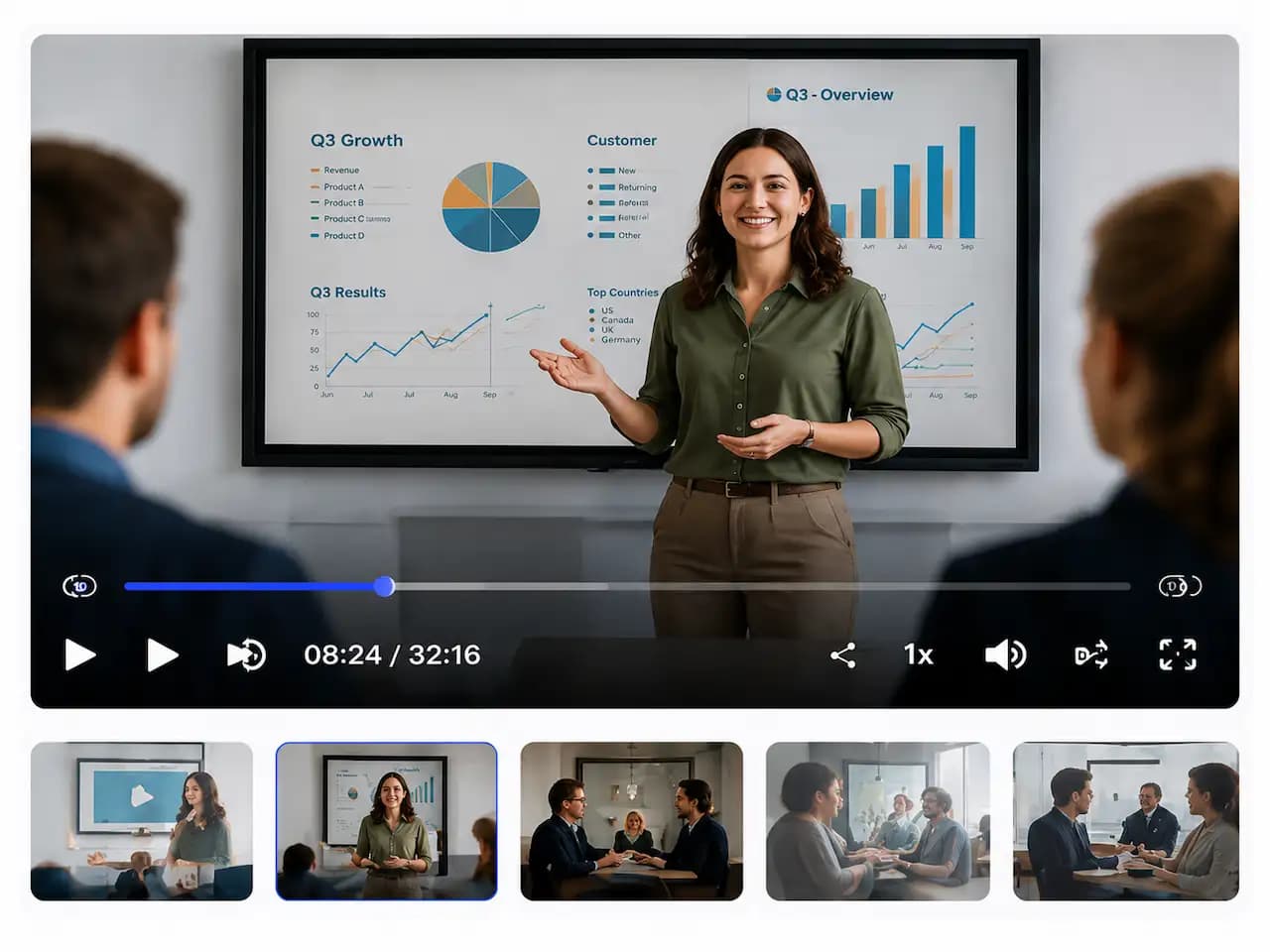
Välkomna allihop. I dag går vi igenom resultaten för andra kvartalet och våra prioriteringar framåt.
Tack. Låt oss börja med en översikt över Q2-resultaten.
Som ni ser på den här bilden ökade vår omsättning med 28 % jämfört med föregående kvartal.
Det är en tydlig ökning. Vilka regioner bidrog mest?
Nordamerika ledde tillväxten, följt av Europa. Även Asien visade tydlig förbättring.
Inför Q3 fokuserar vi särskilt på produktinnovation och kundframgång.
Bra. Nu öppnar vi upp för frågor.

YouTube-skapare
"ScribeFlash har förändrat mitt sätt att arbeta med videor. Undertexterna är träffsäkra och sparar många timmars manuellt arbete."

Utbildare
"Jag använder det i alla mina videolektioner. Studenterna uppskattar verkligen tillförlitliga undertexter och transkript."

Marknadschef
"Vi producerar mycket video och ScribeFlash hjälper oss att få ut undertexter snabbare och öka engagemanget."
ScribeFlash stöder vanliga videoformat som MP4, MOV, WEBM, AVI och MKV.
Ja. Förutom TXT, DOCX och PDF kan du exportera undertexter som SRT och VTT.
När talet är tydligt ger kombinationen av AI, tidskoder och talargenkänning resultat av hög kvalitet.
Ja. Du kan börja gratis och skala upp senare om det behövs.
Tiden beror på längd och kvalitet, men arbetsflödet är också optimerat för längre videor.