How to Transcribe TikTok, Instagram, and Instagram Reels Videos to Text
May 22, 2026 · By ScribeFlash Team · 8 min read
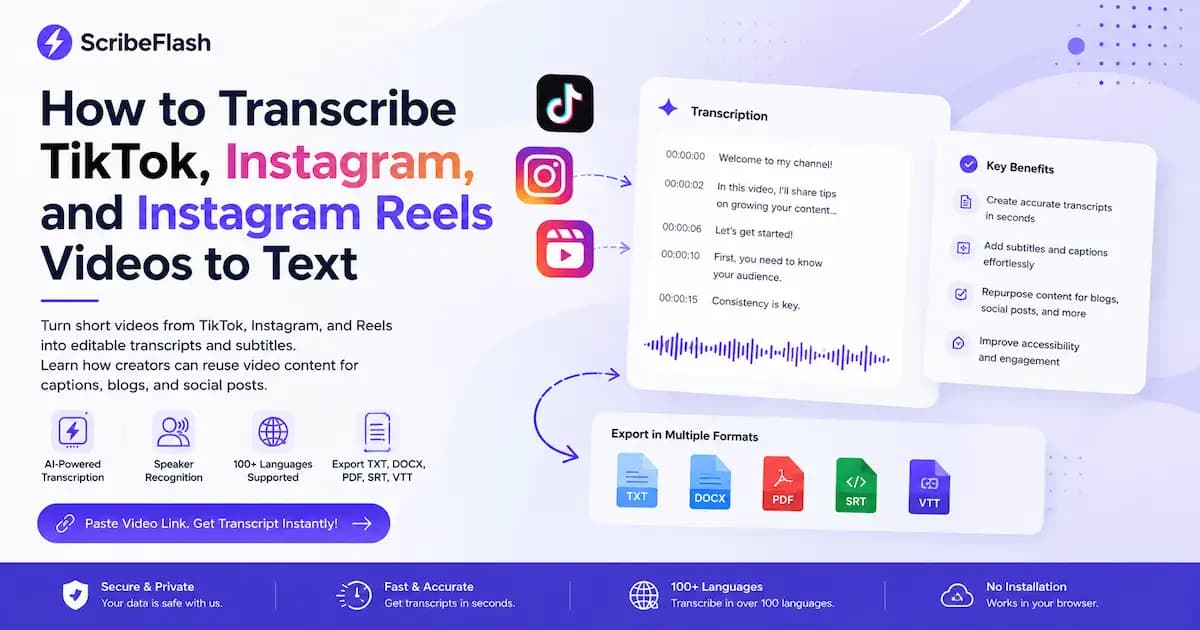
Turn short videos from TikTok, Instagram, and Reels into editable transcripts and subtitles. Learn how creators can reuse video content for captions, blogs, and social posts.
Short Video TranscriptTikTokInstagram ReelsSubtitlesScribeFlash
Need the words from a TikTok, Instagram video, or Reel? A transcript helps you turn short videos into captions, subtitles, blog ideas, social posts, and searchable content.
A clean short video transcript is useful when you want video to text for creators without rewatching the same clip over and over. It gives you editable transcripts you can cut into captions, turn into subtitles, reuse in blogs, and adapt for other posts. That matters if you are working on TikTok video to text, Instagram Reels captions, or quick content repurposing across channels.
Short video transcription means converting spoken audio from a short-form video into text. That text can stay as a plain transcript, or it can be turned into captions and subtitles.
When people talk about TikTok video to text, Instagram video to text, or Instagram Reels to text, they usually mean one of three things: a full transcript of what was said, captions for social posts, or subtitle files with timing.
If you want to transcribe TikTok video content, the goal is usually to make the spoken words editable. The same is true for transcript tiktok video to text workflows and transcript instagram reels use cases. A transcript gives you the raw text. Captions are the lines you post with the video or overlay on screen. Subtitles are timed text files used during playback.
Tools described as instagram transcript ai or tiktok transcript ai often aim to do the same core job: turn short-form spoken video into usable text you can edit, publish, or reuse.
Why creators transcribe TikTok, Instagram, and Reels videos
Creators do not transcribe short videos just to keep a text record. They do it because one short clip can become five other pieces of content.
A transcript helps creators, influencers, marketers, social media managers, podcast clip editors, course creators, small businesses, and agencies move faster. Instead of replaying a clip line by line, they can work from text.
This is where video to text for creators becomes practical. A short video transcript can be used to write Instagram Reels captions, draft Instagram captions from video, build a quick TikTok captions generator workflow, turn short videos into captions for reposts, repurpose short videos into blog posts, and pull quotes, hooks, and summary lines for social posts.
If you publish often, text saves time. It is easier to revise one sentence in a transcript than to hunt for it again inside a 45-second clip.
How to transcribe TikTok, Instagram, and Reels videos with ScribeFlash
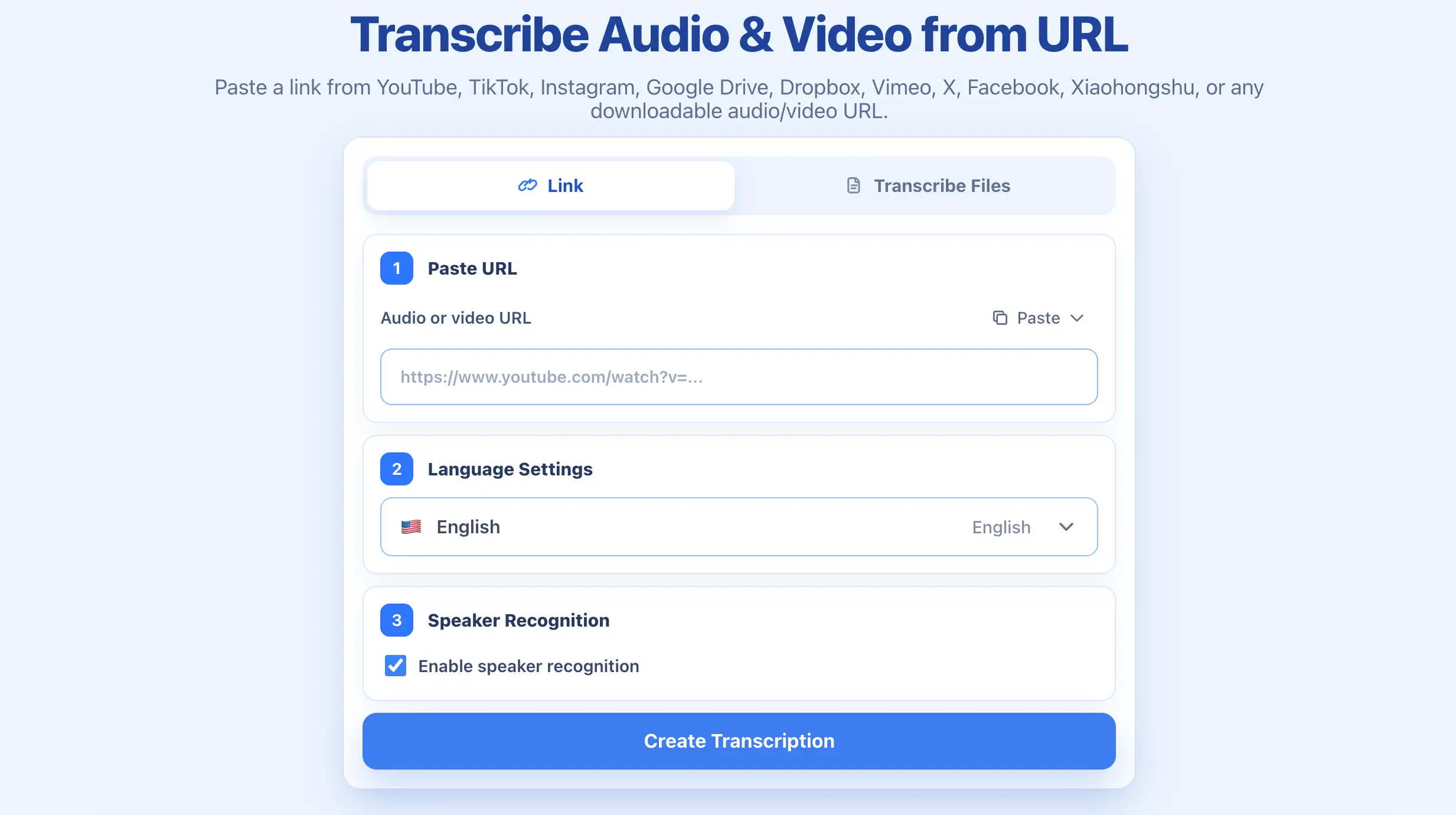
Pick the spoken language in the clip. This improves accuracy, especially if you are working with multilingual creators, interviews, or voice-heavy content.
4. Enable speaker recognition if needed
Some short videos include two speakers, guest clips, interviews, or stitched commentary. Turn on speaker recognition when you need clearer separation.
5. Generate the transcript
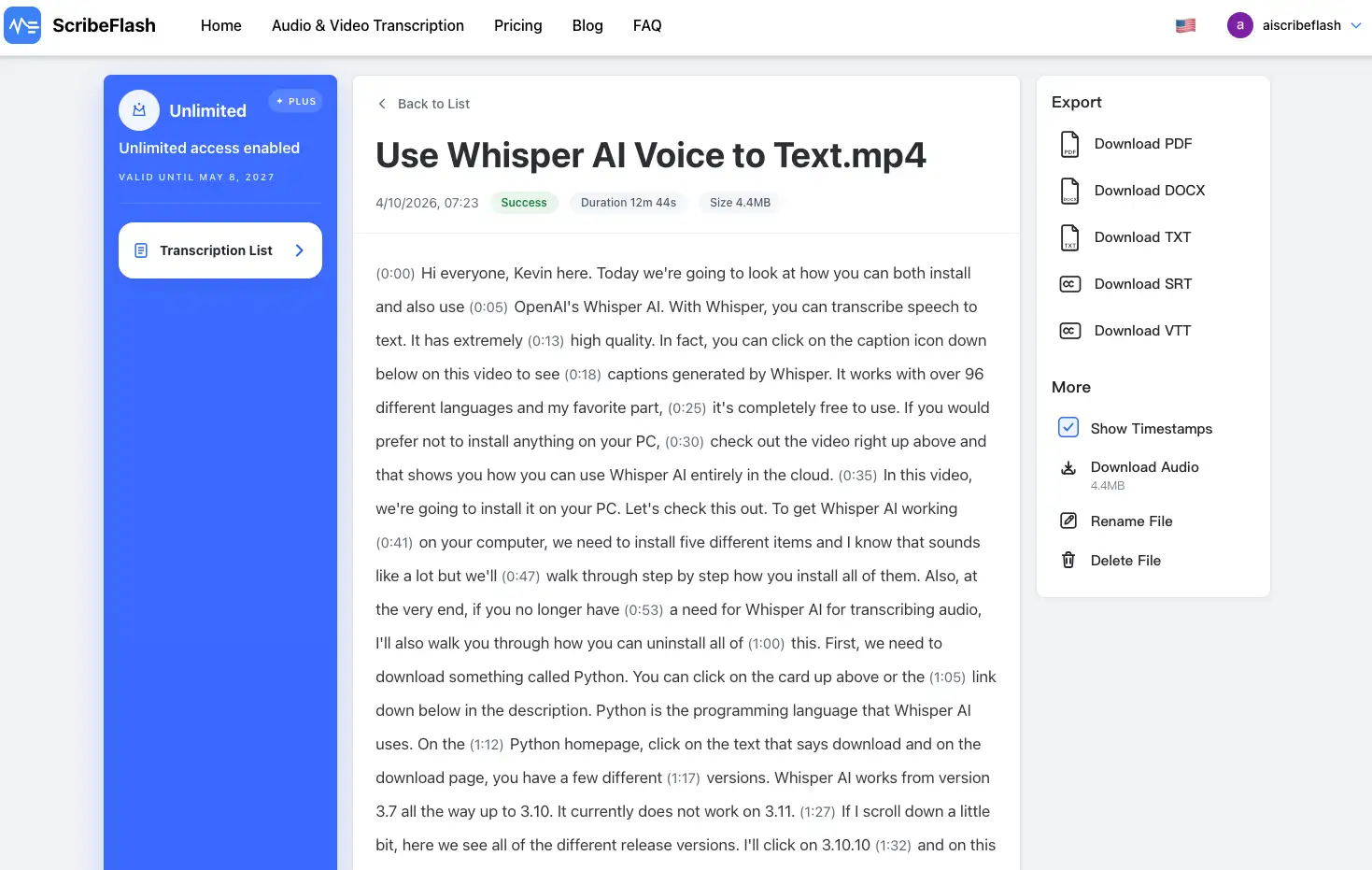
Run the transcription and wait for the text output. You will get editable text you can clean up, shorten, or reuse.
6. Export as TXT, DOCX, PDF, SRT, or VTT
Choose the export format that matches what you want to do next.
7. Reuse the transcript for captions, subtitles, blogs, and social posts
Once the transcript is ready, you can turn it into platform captions, subtitle files, blog sections, hooks, quote graphics, or newsletter copy.
Best ways to reuse short video transcripts
Create captions for social posts
If you write Instagram Reels captions or need a rough TikTok captions generator process, the transcript gives you the base copy. You can shorten it, rephrase it, or pull out the strongest line. It is also a fast way to generate captions from Instagram Reels without starting from scratch.
Turn videos into subtitles
A transcript can become subtitle files for playback. This matters if you need TikTok subtitles generator output, Instagram Reels subtitles, or general short video subtitles for viewers who watch on mute.
Repurpose videos into blog posts
A strong creator workflow is simple: record once, publish more than once. With the right creator transcript tool, you can repurpose short videos into blog posts, outlines, FAQs, and supporting SEO content.
Create summaries and hooks
Many short videos already contain usable hooks, punchlines, quote cards, or mini summaries. A transcript makes those easier to spot. You can pull strong opening lines, rewrite them for a thread, or turn them into a newsletter subject line.
Improve accessibility
Captions and subtitles help people who are deaf or hard of hearing. They also help people watching with sound off. That makes your short-form content easier to follow in more real viewing situations.
Best export formats for short video transcripts
Export the transcript in the format that fits your editing or subtitle workflow.
TXT
TXT is best for quick copying, tiktok video text copy, caption drafts, and content notes. If you just want the words fast, this is usually enough.
DOCX
DOCX works better when you want to edit scripts, blogs, social copy, or shared team documents. It is a good format for heavier content reuse.
PDF
PDF is useful for sharing, internal review, archiving, or client delivery. It is less flexible for editing, but more stable for handoff.
SRT
SRT is the common subtitle format for social and video publishing. It is useful when you need TikTok subtitles, Instagram Reels subtitles, short video subtitles, or caption editing in a standard subtitle file.
VTT
VTT is a web-friendly subtitle format. It is a good fit for course videos, embedded players, and browser-based video delivery.
TikTok transcript vs Instagram Reel transcript
The main difference is usually the publishing context, not the transcription itself.
A TikTok transcript online workflow is often used to pull spoken copy from short direct-to-camera videos, organize talking points, and create subtitles. A tiktok video transcript extractor is useful when you want to reuse voiceover content or pull text for caption drafting.
An instagram reel transcript generator is often used for transcript instagram reels needs like social captions, post copy, repurposed content, and Reels subtitles. If you need instagram transcript from link, the goal is usually the same: take speech from the video and turn it into editable text.
In both cases, the output is still speech-to-text. Exporting SRT or VTT simply turns that transcript into subtitle-ready formats.
What if I already have a downloaded short video file?
You do not have to use a link if the clip is already saved on your device.
If your short video is already saved as a file, use ScribeFlash’s audio and video transcription tool. That works well for downloaded TikTok clips, Instagram videos, edited exports, and short-form batches.
This is useful for audio and video transcription, transcribe audio and video to text, online video transcription, and general short form video transcription when the file is already local.
Can you transcribe short videos from a link?
Yes. If the video source is supported and accessible, a link-based workflow is often the fastest option.
That is useful if you need an instagram transcript from link, want to transcribe Instagram video from link, need a TikTok transcript online workflow, or are comparing tools that describe themselves as a tiktok video transcript generator or instagram transcript generator free option.
If you want to work directly from the video URL, use ScribeFlash’s online short video link transcription tool. It is a practical route for people looking for instagram reel transcript free no sign up style workflows, especially when the main goal is transcript generation rather than downloading.
FAQ
How can I transcribe a TikTok video to text?
Use a tool that accepts video links, paste the TikTok URL, choose the language, and generate the transcript. That is the most direct way to transcribe TikTok video content and handle transcript tiktok video to text work.
Is there a free TikTok transcript generator?
Yes. Many users look for a tiktok transcript generator free tool or a simple tiktok transcript online workflow. The right option depends on whether you want plain text only or exports like SRT and VTT too.
What is a TikTok video transcript generator?
A tiktok video transcript generator turns spoken TikTok video audio into text. In practice, a tiktok transcript ai tool can help you create editable transcripts, captions, and subtitle files.
How do I extract text from a TikTok video?
Use a tiktok video transcript extractor that can process the video link or file, then export the result as text. That gives you tiktok video text copy you can reuse in captions, notes, or posts.
Can I transcribe Instagram Reels to text?
Yes. You can create transcript instagram reels output with an instagram reel transcript generator, then reuse it for Instagram Reels captions, subtitles, or other post copy.
Is there an Instagram transcript generator free?
Yes. If you need an instagram transcript generator free option, look for a tool that supports link-based transcription, editable output, and export formats. Some users also search for instagram transcript ai when they want faster transcript cleanup.
Can I get an Instagram transcript from link?
Yes. If the source is supported, you can create an instagram transcript from link by pasting the URL into a tool that can transcribe Instagram video from link directly.
Can I create captions from Instagram Reels?
Yes. A transcript gives you the text base for Instagram Reels captions and makes it easier to generate captions from Instagram Reels without rewriting everything by hand.
Can I upload a short video file instead of pasting a link?
What is the difference between TikTok transcript and Instagram Reel transcript?
The platform is different, but the core job is the same. Both turn spoken short video audio into editable text you can use for captions, subtitles, and content reuse.
Is ScribeFlash an alternative to ElevenLabs TikTok or Instagram transcript tools?
Some users search for elevenlabs tiktok transcript generator or elevenlabs instagram transcript generator. ScribeFlash is useful when you want to turn short video links into editable transcripts and export them as TXT, DOCX, PDF, SRT, or VTT.
If you want to turn TikTok, Instagram, or Reels videos into text you can actually reuse, start with ScribeFlash’s video link to text tool. It gives you transcripts, captions, subtitles, and export formats you can use for blogs, social posts, and the next round of content.
Related guides
Keep the workflow moving
These guides stay close to the same use case, so you can move from one question to the next without jumping across unrelated pages.