ScribeFlash Unlimited का व्यावहारिक परिचय: यह रोज़मर्रा के काम में क्या मतलब रखता है, इसकी सीमाएँ कहाँ हैं, और यह वास्तविक ट्रांसक्रिप्शन वर्कलोड को कैसे संभालता है।
Unlimitedट्रांसक्रिप्शनWhisperवर्कफ़्लोऑडियो से टेक्स्ट
अगर आपने कुछ ट्रांसक्रिप्शन tools compare किए हैं, तो आपने शायद एक जैसा pattern देखा होगा: शुरुआत में plans simple लगते हैं, लेकिन जैसे ही real workload शुरू होता है, hidden limits सामने आने लगती हैं। आप एक हफ्ते की meeting recordings, कुछ lecture videos, या interview files का backlog upload करते हैं, और अचानक काम पूरा करने के बजाय counters देखने लगते हैं।
यह लेख बताता है कि ScribeFlash Unlimited को किस नज़र से देखता है, वह भी सीधी भाषा में। फुटनोट्स ढूँढने की ज़रूरत नहीं।
रोज़मर्रा के इस्तेमाल में “Unlimited” का क्या मतलब है
एक single account के लिए usage ट्रांसक्रिप्शन के घंटों के हिसाब से bill नहीं होता। यानी हर नई file upload करते समय आपको फिर से मिनट या quota का हिसाब नहीं लगाना पड़ता।
एक सामान्य workweek सोचिए। सोमवार: टीम standup recordings और customer calls। मंगलवार: 90 मिनट का webinar जिसे notes और clips में बदलना है। बुधवार: lecture recordings की review। शुक्रवार: एक लंबा YouTube interview जिसे outline और subtitles में बदलना है। Unlimited का मतलब यही है कि ये सब चार अलग pricing decisions नहीं, बल्कि एक continuous workflow बने रहें।
एक practical note
Unlimited सामान्य individual professional use के लिए बनाया गया है। यह shared team login model नहीं है।
यह boundary इसलिए है ताकि plan sustainable और predictable रहे, न कि इसलिए कि बाद में surprise restrictions जोड़ी जाएँ।
Unlimited के साथ आपको क्या मिलता रहता है
इस plan की value सिर्फ meter हटाने में नहीं है। उतना ही ज़रूरी यह भी है कि जब transcription recurring work बन जाए, तो वे capabilities भी मौजूद रहें जो लोग सच में इस्तेमाल करते हैं।
ScribeFlash को one-off demo के लिए नहीं, बल्कि नियमित audio और video transcription workflows के लिए बनाया गया है।
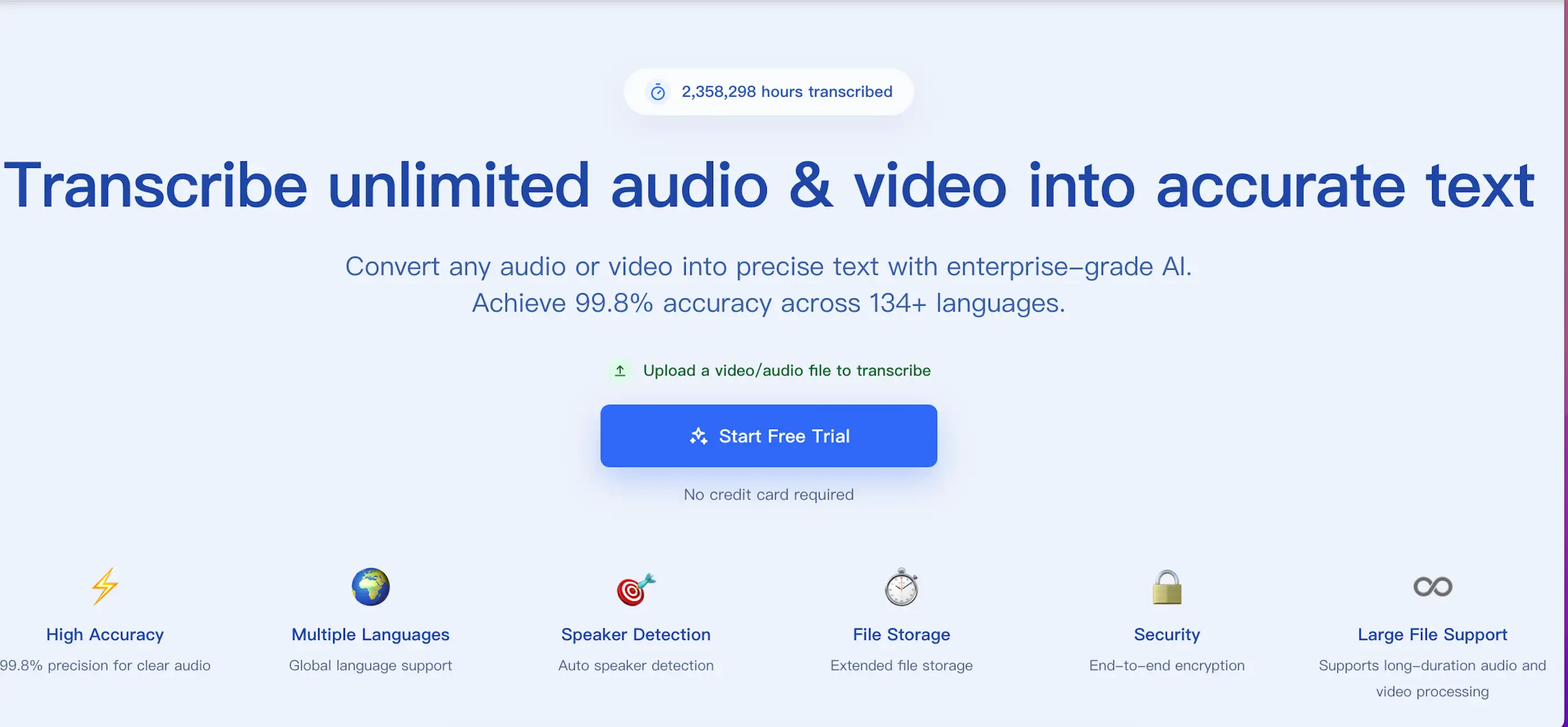
आप लंबे recordings (एक file में 10 घंटे तक), बड़े uploads (5GB तक), और batch submissions (एक बार में 50 files तक) process कर सकते हैं। Meetings, interviews और podcasts में कौन क्या बोल रहा है, यह अलग करने के लिए speaker recognition और timestamps भी उपलब्ध हैं। Export options में TXT, DOCX, PDF, SRT, VTT और JSON शामिल हैं, ताकि transcript सीधे documents, subtitle timelines या downstream tools में जा सके।
अगर आप इसे real material के साथ आज़माना चाहते हैं, तो audio और video transcription page पर जाएँ और वही file upload करें जो आप वैसे भी process करने वाले थे।
यह model काम कैसे करता है
Behind the scenes, sustainable Unlimited slogans से नहीं, operations से बनता है। Upload handling, queueing, GPU scheduling, storage और output delivery सबको efficiently tune करना पड़ता है, ताकि heavy usage speed या quality को collapse न कर दे।
और सच यही है कि users को यह सब सोचने की ज़रूरत ही नहीं होनी चाहिए। आपको file upload करनी चाहिए, language चुननी चाहिए, ज़रूरत पड़े तो speaker labels on करने चाहिए, और फिर अपने अगले काम पर आगे बढ़ जाना चाहिए।
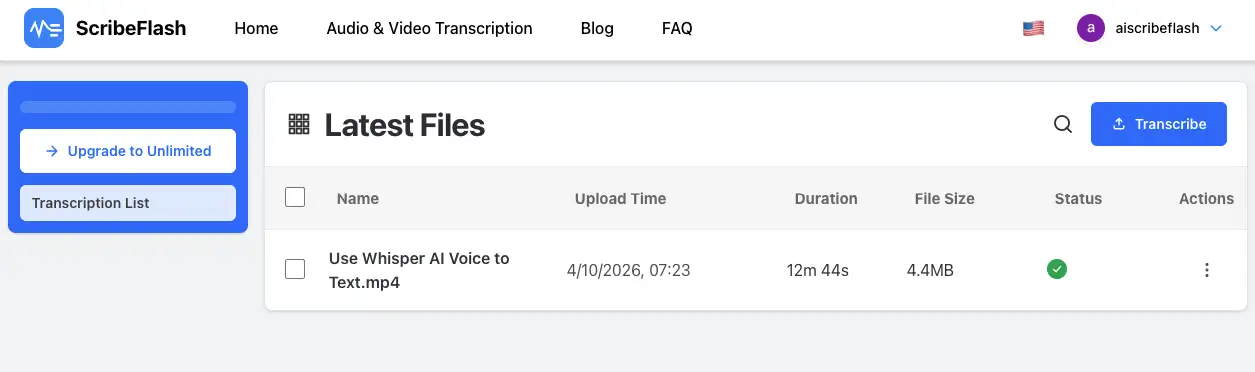
जब files की संख्या बढ़ती है, तो एक साफ़ jobs list transcription accuracy जितनी ही महत्वपूर्ण हो जाती है।
यह वास्तव में किन लोगों के लिए है
Unlimited का सबसे बड़ा फर्क तब दिखता है जब transcription occasional नहीं, बल्कि continuous work हो।
जैसे कई महीनों तक interview archives संभालने वाला researcher, हर हफ्ते YouTube recordings को draft में बदलने वाला creator, exams से पहले हर lecture transcribe करने वाला student, या recurring calls को searchable record के रूप में रखने वाली legal या operations team। ये edge cases नहीं हैं, बल्कि बहुत सामान्य work patterns हैं।
Short version
ScribeFlash Unlimited का उद्देश्य best sense में boring लगना है: एक clear plan, साफ़ boundaries, और इतना headroom कि file count बढ़ने पर भी आपका काम न रुके।
अगर आप देखना चाहते हैं कि यह आपकी routine में fit बैठता है या नहीं, तो ScribeFlash खोलिए और transcription workflow में वही content एक बार run कीजिए जो आप हर हफ्ते सच में handle करते हैं।
संबंधित गाइड
workflow को आगे बढ़ाते रहें
ये गाइड उसी तरह के use case के आसपास रहती हैं, ताकि आप एक सवाल से अगले सवाल तक जा सकें और बीच में असंबंधित पेजों पर न भटकें।